Although there is no direct support for mocking an an HTTP or REST service from within soapUI yet, there are a couple of features available that at least make this workable, let’s have a quick at these so you get an idea of what is possible.
Mocking with Static Content
The MockService Options dialog has a docroot setting that allows you to specify a local directory that will be searched for files matching GET requests:

In the example above, we have specified a docroot folder inside the folder containing the project file. Now if my MockService receives an HTTP GET request that has a path matching a file in the specified docroot folder, that file will be returned. This allows you to host any type of content, including complete websites, from within soapUI.
Tip: Try it out: in the above specified folder in we’ll put a file named search.do which will contain a json search result. Open your browser and point it at http://localhost:8088/mockSampleServiceSoapBinding/search.json and you’ll hopefully get the json response back.
Mocking with a custom OnRequest Script
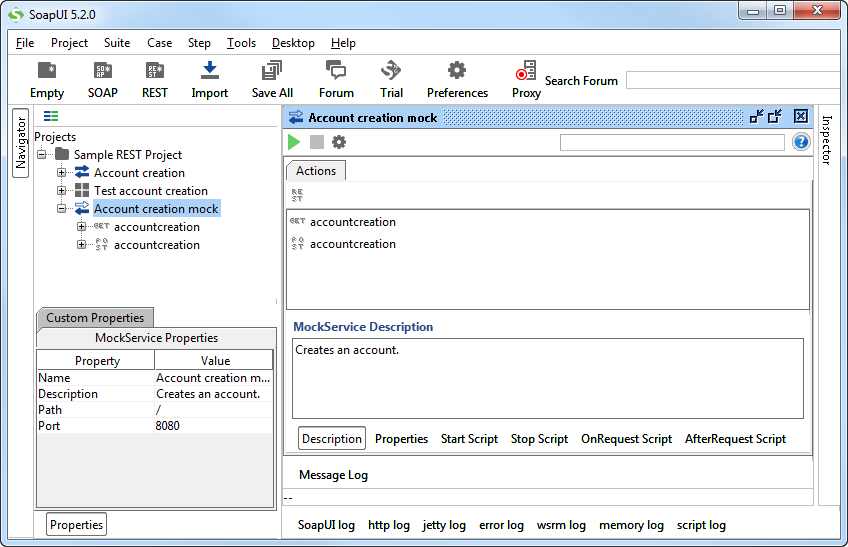
This requires a bit of scripting, but after that your MockService can more or less handle and return anything you would like to mock. As mentioned before, the OnRequest Script is available in the MockService window;

This script is called when a request is dispatched to a MockService (based on its port and path) and prepared for the dispatching to the correct MockOperation. The objects available in the script are:
- context – a MockRunContext object for sharing properties over the lifespan of a MockService (the same context is available in the Start and Stop Scripts, allowing you to share objects between these scripts).
- mockRequest – a MockRequest object that gives access to the incoming request and its contents
- mockRunner – the runner object that handles dispatching of incoming requests, etc.
- log – standard log4j logger
Let’s do a really simple example; for all non-HTTP POST Requests we want to return a “HTTP Verb not supported”. This is what it looks like:

Note that you have to return a WsdlMockResult object from this script to terminate the internal processing, otherwise soapUI will still attempt to dispatch the request to a matching MockOperation or file in the file system (if the docroot is set as described above).