Plugin Browser
Plugin Browser
The Plugin browser displays the currently installed plugins and manage, install or remove plugins.
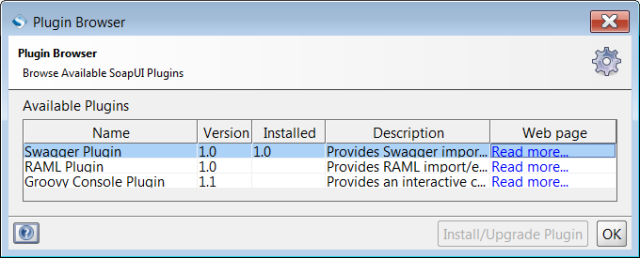
Table Columns
| Column | Description |
|---|---|
| Name | Name of plugin. |
| Version | Available version of the plugin. |
| Description | Short description of the plugin. |
Buttons
| Button | Description |
|---|---|
| Browse Plugin Repository | Open the plugin repository. |
| Load plugin from file | Install previously downloaded plugin. |
| Uninstall Plugin | Uninstall plugin. |
| Close | Close the browser. |
Install plugin from repository
1: Click Browse Plugin Repository
2: Follow the instructions in plugin repository
Install plugin from file
Prerequisite: a downloaded plugin file (unpacked).
1: Click Load plugin from file
2: Browse to the file and select the file
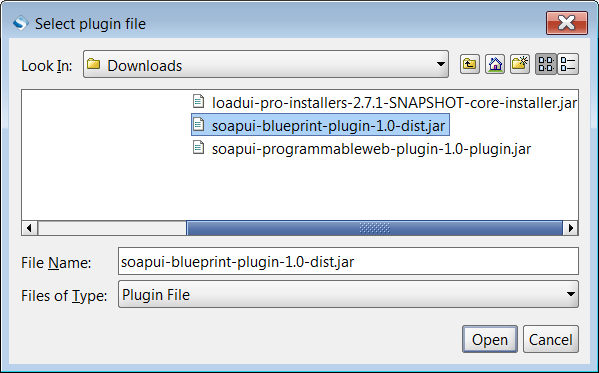
3: Click OK
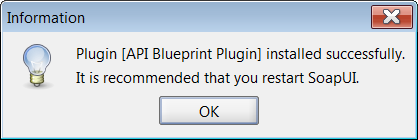
4: Click Close
5: Restart SoapUI
Remove plugin
1: Click Uninstall Plugin
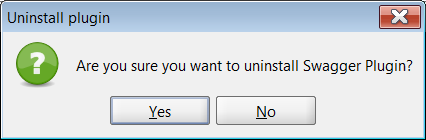
A confirmation message is displayed.
2: Click Yes
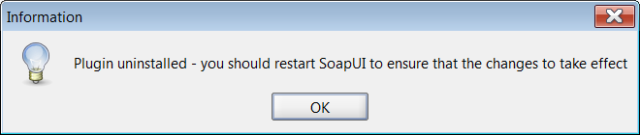
3: Click Close
4: Restart SoapUI